Microinteractions in UX/UI
Animated UX Enhancements
Microinteraction Design Insights

Mihail Mansilla
Senior Animator 2d/3D
⊹
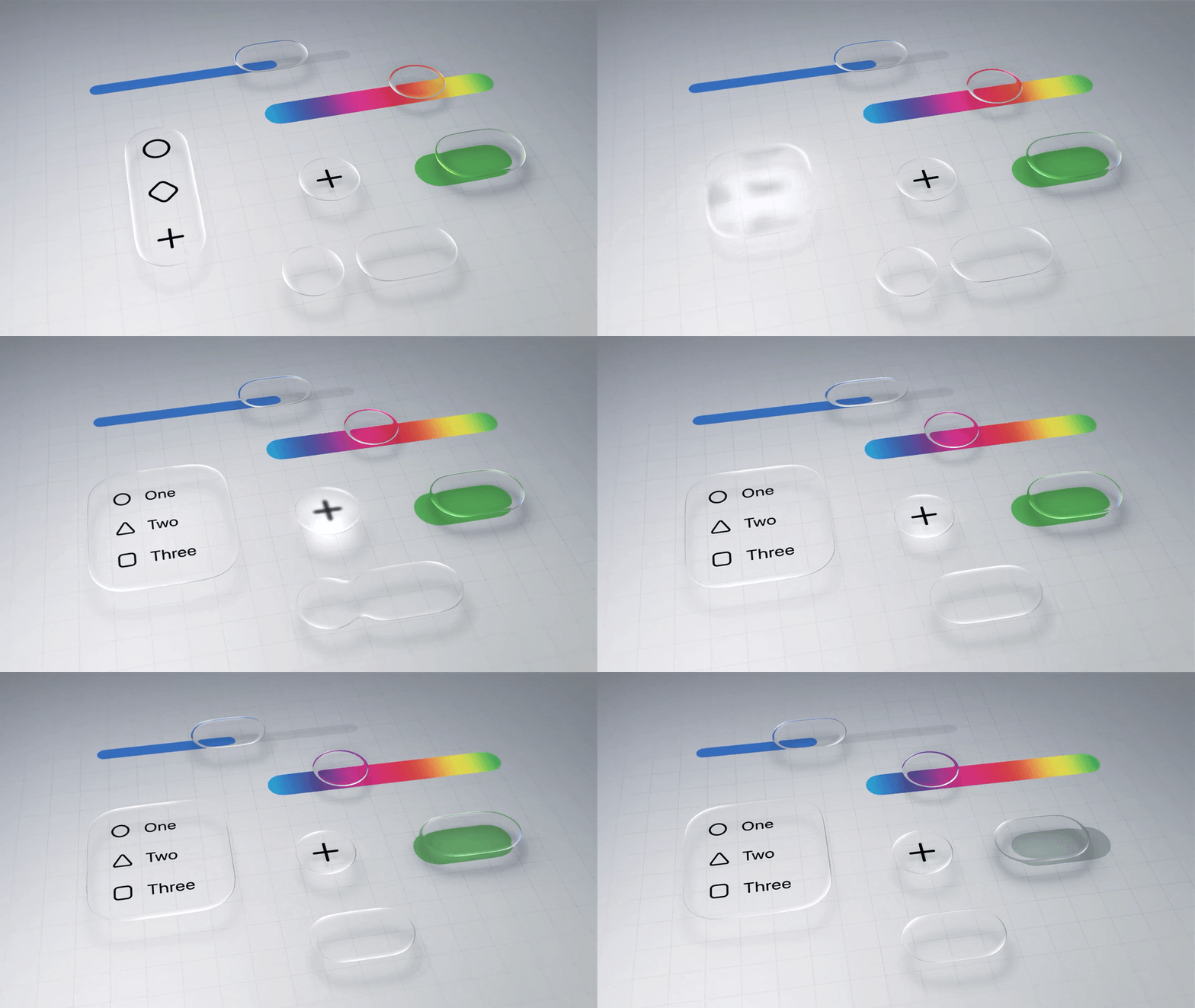
Microinteractions are those tiny animated responses that appear when a user taps a button, receives feedback, or completes an action. They may look small, but they have a powerful impact on how people perceive and interact with a digital product.
As designer Dan Saffer, author of Microinteractions, states:
“Microinteractions make products feel more human.”
Why They Matter
Microinteractions play essential roles in UX/UI:
Guide users by showing what just happened and what will happen next.
Reduce friction by making actions more intuitive.
Add personality to a brand through subtle animated cues.
Create satisfaction with clear and delightful visual feedback.
Effective Examples in UX/UI
Buttons with instant feedback
A slight pop, scale, or color shift confirms the action was registered.Animated loading indicators
Keep users engaged while reducing the feeling of waiting.Success confirmations
A simple checkmark animation communicates completion without text.Smooth screen transitions
Help users understand spatial flow and avoid abrupt navigation jumps.
Principles for Designing Strong Microinteractions
Keep them fast
They should happen in under 300 ms to avoid slowing down the user.
2. Give them a clear purpose
Every animation should support functionality, not decoration.
3. Reinforce brand identity
Small motion cues can express tone, voice, and personality.
4. Avoid distraction
Microinteractions should support tasks, not compete with them.
Where They Shine Most
Financial apps that must communicate precision and trust.
Educational platforms needing guidance without overwhelming users.
E-commerce flows where confirmations increase confidence and control.
Corporate websites aiming for professionalism with subtle dynamism.
Tools Commonly Used
Framer for interactive prototypes with real-time behavior.
Lottie for lightweight vector animations across platforms.
After Effects, Blender, or Maya for polished motion assets.
Conclusion
Microinteractions are one of the most underrated parts of digital design. When done well, they make experiences smoother, more intuitive, and more memorable. They don’t require large resources—just intention and care.
They can turn a functional interface into one that truly delights.
Share This Article